
Dance
Fuzzy Dream Dance AI
Animate one full-body portrait with a low-bounce dance inspired by the Fuzzy Dream trend.
Upload Your Photo
Use one clear photo of one adult, facing the camera, with your face fully visible.
Output specification
No subscription10 creditsper video
MP40 of 1 uploaded
Use one person per photo. Clear, front-facing portraits work best. JPG, PNG or WebP, up to 10 MB.
What is the Fuzzy Dream Dance AI trend?
The clip, the format, and why it keeps showing up in your feed.
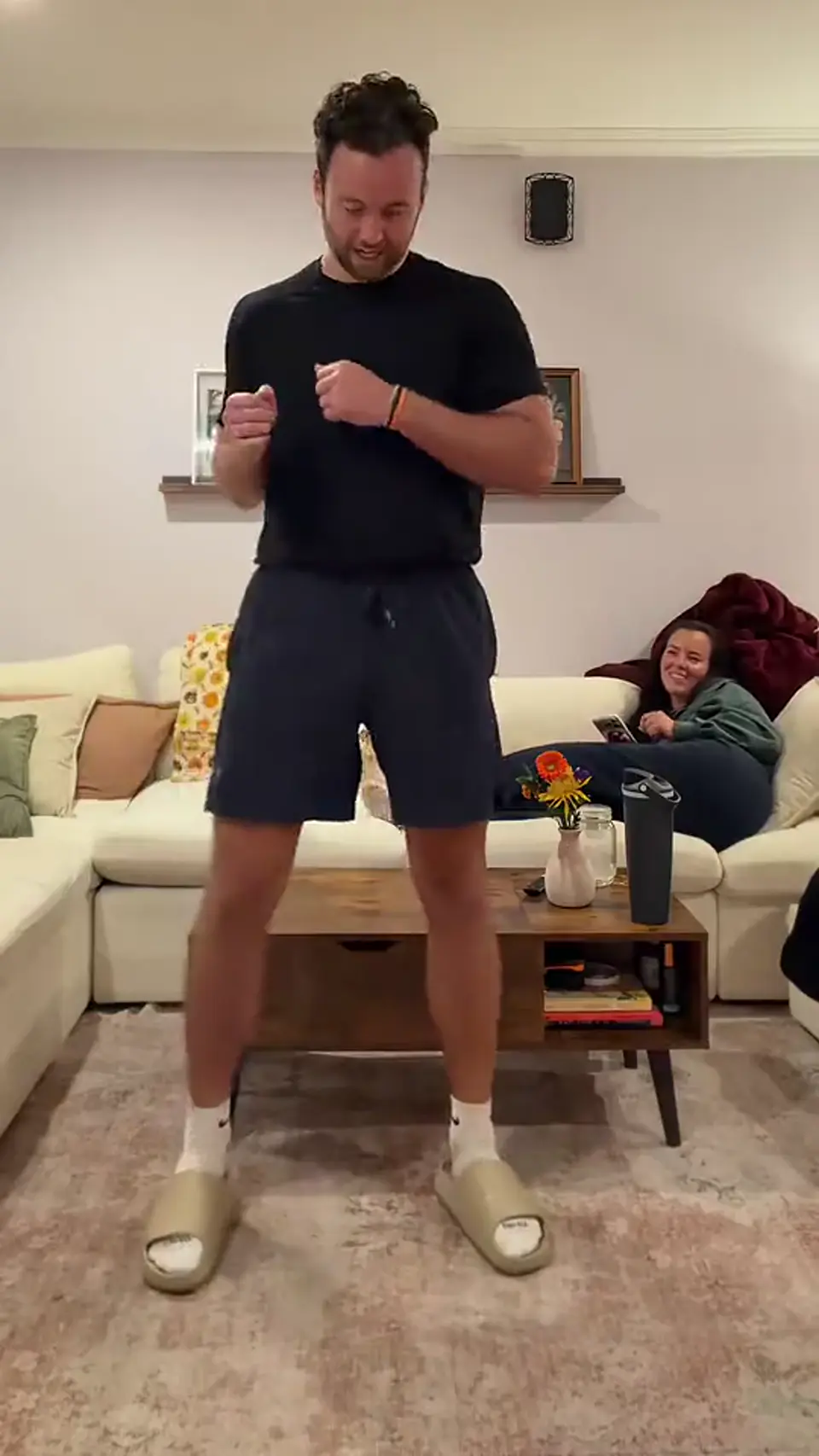
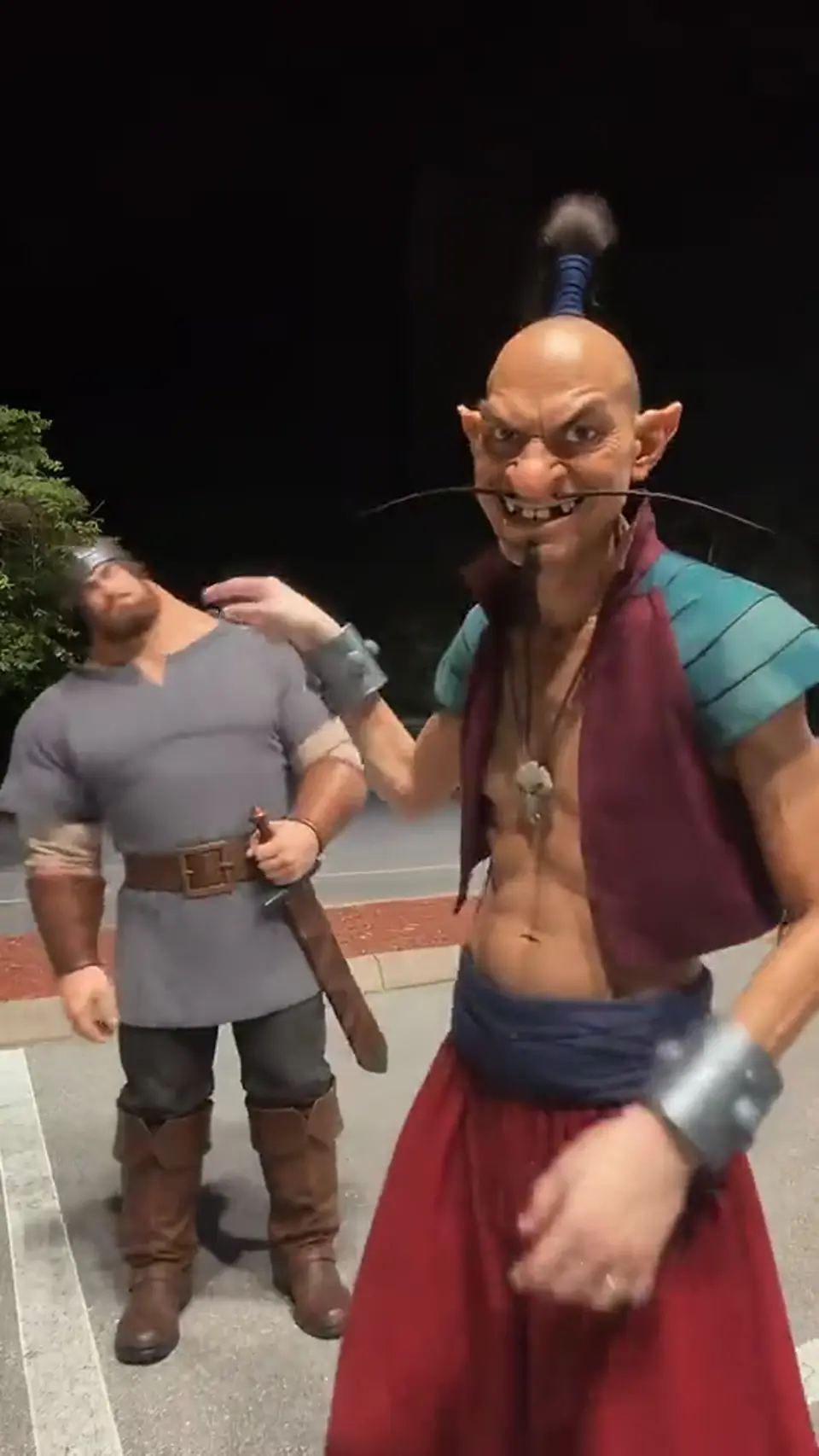
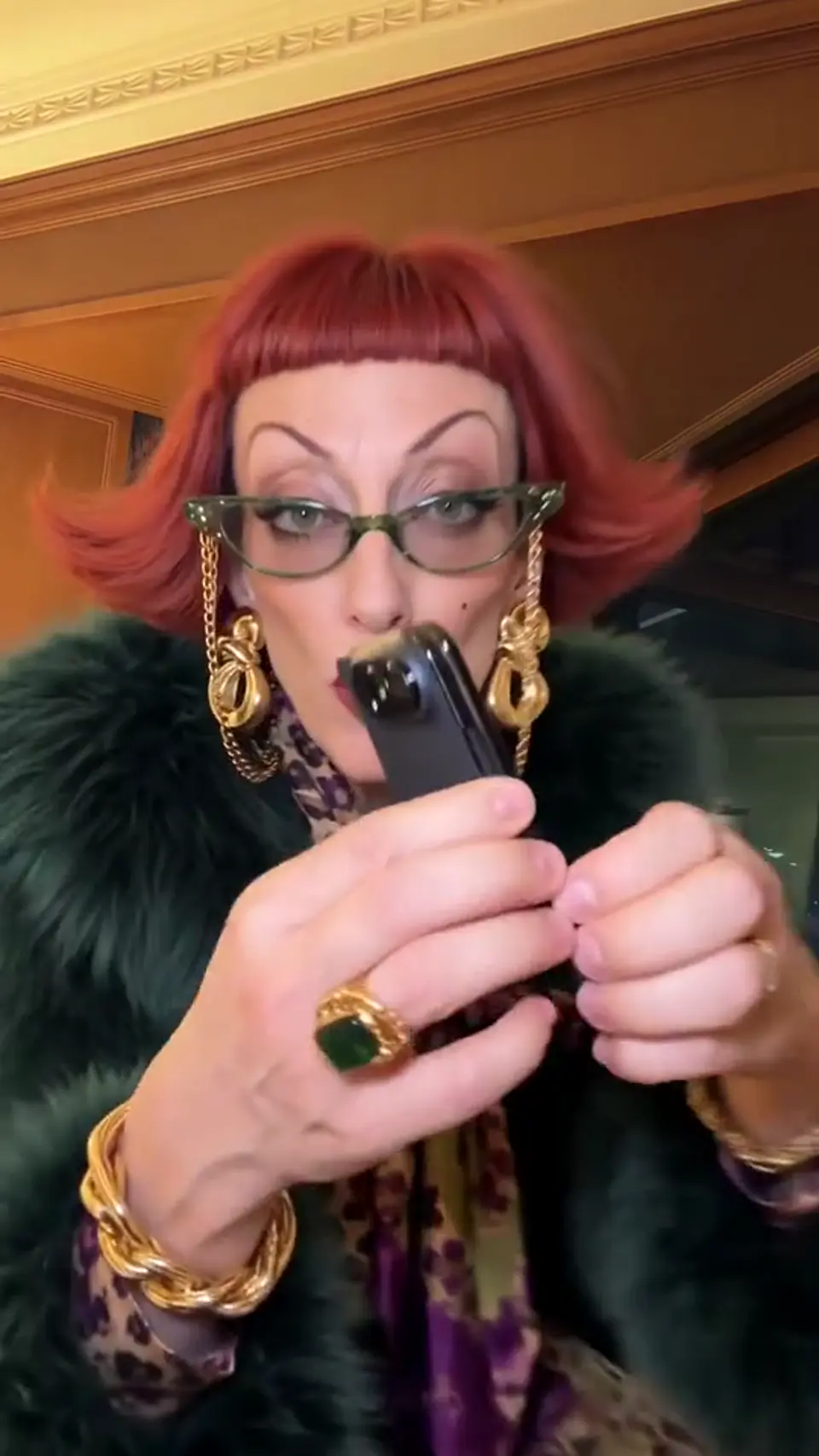
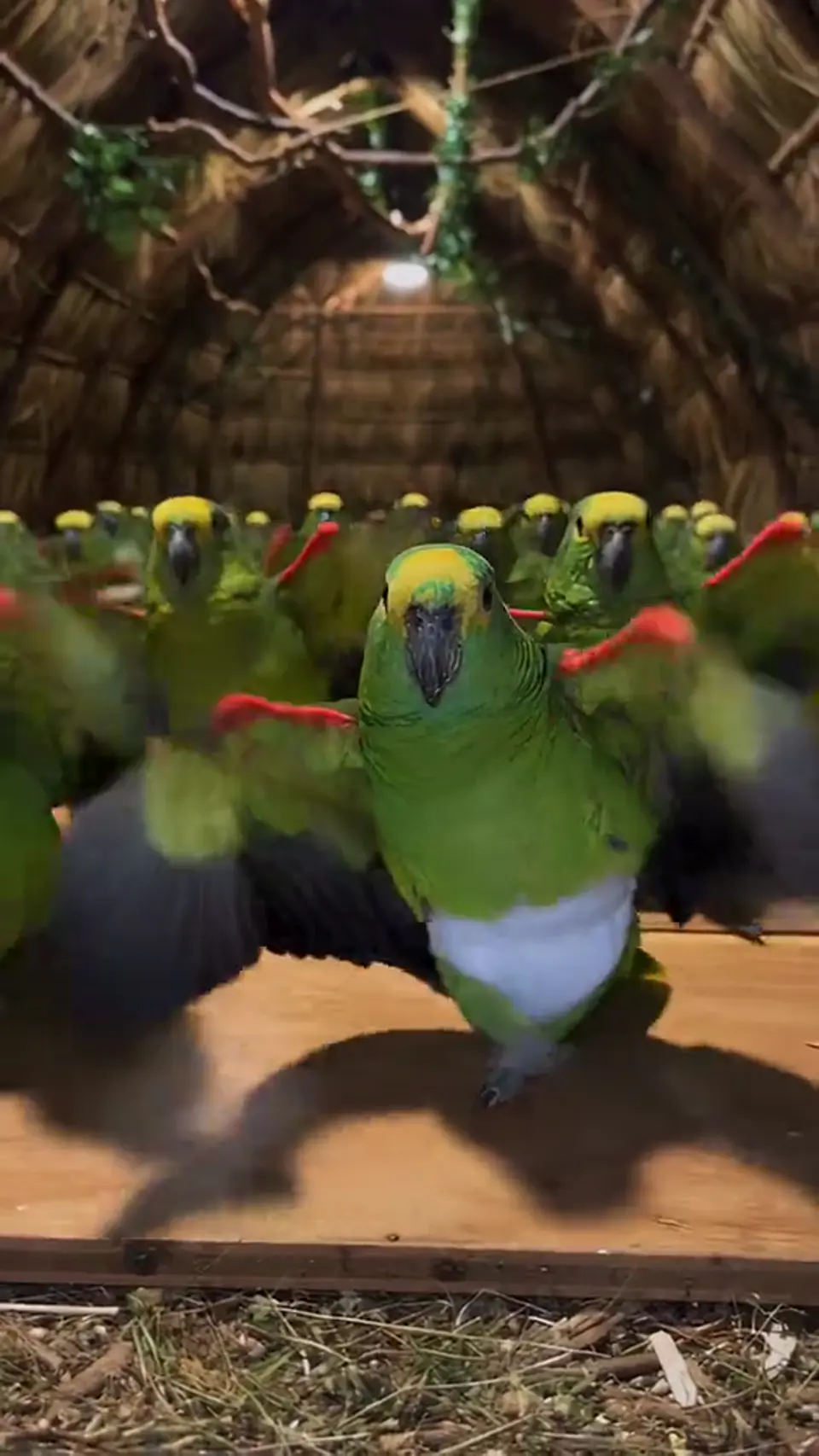
A solo dancer performs a wide low squat and rhythmic bounce, rolling arms, placing hands near the head and shaking knees; preserve the identity and follow reference movement.
Animate one full-body portrait with a low-bounce dance inspired by the Fuzzy Dream trend.
How to make the Fuzzy Dream Dance AI video
Pick the Vertical frame, upload 1 photo, and the predefined prompt does the rest.
Pick the One photo look
Renders in 9:16 at 720p, 15s long — sized for TikTok, Reels and Shorts.
Add 1 photo
Upload 1 photo with one clear face. Clothing, lighting and facial details may change in the render.
Generate for 10 credits
The predefined Fuzzy Dream Dance AI prompt handles the render — preview it, then download.
- One person
- Face clearly visible
- Even, natural light
- Full body or waist up
- Celebrity photos
- Group photos
- Sunglasses or masks
- Tiny photos (under 300 px)
Only upload photos you have permission to use. No minors, no nudity, no other people without their consent. · This template needs 1 photo.
Start making itThe template's intended 15-second sequence
The intended beat sheet, not a recording of a generated video. Exact timing can vary between runs.
- 0–5sBeat 01
The dancer drops into a wide squat.
- 5–10sBeat 02
They bounce and roll their arms.
- 10–15sBeat 03
Hands rise as the knees shake.
Output specifications and limitations
What this tool produces, and what may differ from the reference.
What differs from the reference
The generated result follows the reference clip's scene and timing as closely as the model allows, so faces, motion, hands and timing can differ between runs. The output keeps the 9:16 framing.
What can go wrong
- Identity is an intended behavior, not a guarantee. Faces can drift between runs.
- The output always includes audio from the reference clip. The exact mix and level can vary between runs.
- TrendVido is independent and is not affiliated with or endorsed by the rights holders of the reference clip, or by any brand, event or person it depicts.
Photo requirements
- One clear photo of one adult.
- Face visible, facing the camera and evenly lit. No sunglasses, masks or heavy filters.
- JPG, PNG or WebP; maximum 10 MB per image.
- Only photos of yourself or adults who agreed to appear.
What it costs
Credits are charged when a run starts; the cost depends on the template. Failed runs are refunded.
| Version | Photos | Length | Aspect | Resolution | Price |
|---|---|---|---|---|---|
| One photoVertical | 1 photo | 15 sec | 9:16 | 720p | 10 credits |
Credit packs
One-time payment, no renewal. Credits never expire; video costs vary by template.
Tips for posting
Small choices that make the clip land better in the feed.
- Use one clear, well-lit photo of the subject; choose a full-body photo for full-body movement.
- Add appropriately licensed music separately if desired.
Make Your Video Without Writing a Prompt
The scene, shot order and output settings are prepared for you.
No prompt writing
The scene direction is already prepared. You provide the photo, not a camera sequence.
Clear pricing
See the credit price before you confirm. You are charged only when generation starts.
Simple workflow
Upload, generate and download in one browser flow. No editing timeline.
Questions about this template
01What is Fuzzy Dream Dance AI?
Animate one full-body portrait with a low-bounce dance inspired by the Fuzzy Dream trend.
02Does the video include the reference music?
The reference includes audio, but the configured model does not retain that soundtrack. Add licensed music separately if desired.
Ready to create your Fuzzy Dream Dance AI video?
Credits are charged only when the video starts rendering, and a failed run gives them back.